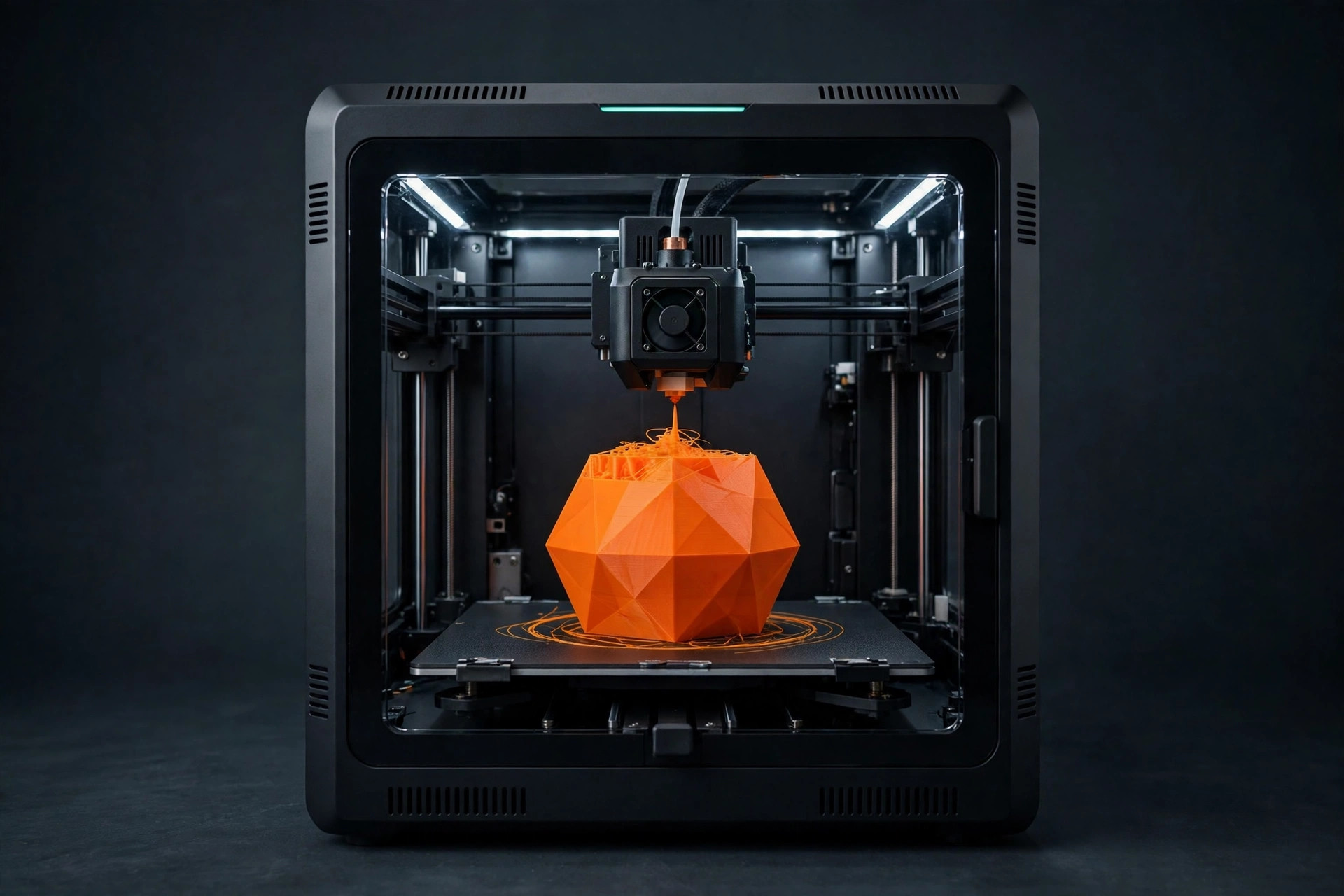
The best first 3D printer is not the machine with the longest feature list. It is the one that lets you go from a downloaded model to a clean print with the fewest avoidable interruptions. In 2026, beginners can reasonably expect automatic bed leveling, reliable power-loss recovery, removable build plates, and slicer profiles that work without hours of tuning. The difficult part is separating genuinely useful automation from specifications that look impressive on a product page but do not improve daily printing.
Start with the kind of printing you want to do
Before comparing brands, decide what will come off the bed. Toys, organizers, cosplay parts, replacement clips, tabletop terrain, and workshop fixtures all place different demands on a printer. Most beginners are best served by an FDM printer that melts filament. Resin printers can produce extraordinary miniature detail, but they add gloves, chemical handling, washing, curing, odor control, and liquid waste. Unless tiny display models are your main goal, FDM is the friendlier first technology.
Build volume matters less than new buyers think. A machine near the common 220 × 220 × 250 mm class handles phone stands, brackets, masks in sections, planters, and most downloadable models. A larger bed takes longer to heat, occupies more room, and magnifies the consequences of a failed twelve-hour print. Buy extra volume only when you already know what requires it.
The shortlist: four beginner profiles
For the smoothest start
Look at printers in the Bambu Lab A1 or A1 Mini class. Their appeal is workflow integration: guided setup, calibrated material profiles, automatic checks, and a mature path from slicer to machine. The smaller Mini format is a strong fit for desks and modest parts, while the larger format gives more room for helmets and household projects. Compare current bundle contents carefully; multi-color systems add fun but also cost, waste, and another mechanism to learn.
For open maintenance and long-term repairability
Prusa's current entry and midrange machines are worth comparing when documentation, parts availability, and an established support culture matter more than the lowest initial price. They are especially attractive to owners who want to understand the machine rather than treat it as a sealed appliance. Assembly options can also be educational, but a kit is not automatically the best first experience if your main goal is making parts immediately.
For fast multi-color experimentation
The Flashforge AD5X is aimed at users who want a compact CoreXY-style platform and automatic multi-filament handling without stepping straight into a premium price tier. It can be a capable first machine when the owner is willing to learn filament loading, purge behavior, and color-change waste. Multi-color is a creative feature, not a reliability requirement; evaluate the printer as a single-color machine first.
For budget-conscious tinkering
Current Creality Ender-3 V3 variants and similar bed slingers can deliver very good results, but model names matter. The Ender family spans old, manual machines and much newer automated designs. Do not buy a legacy model just because it has thousands of tutorials. A low sale price can disappear once you add a better build plate, bed probe, replacement extruder, and the time required to install them.
Features that actually help a new owner
- Automatic bed leveling: compensates for small surface variations, though the nozzle and plate still need to be clean.
- Direct-drive extruder: simplifies flexible filament and usually makes retraction behavior easier to manage.
- Removable spring-steel plate: lets parts release after cooling without prying at the bed.
- Filament runout detection: valuable on large prints and nearly empty spools.
- Network or USB transfer: convenient, but an offline path should remain available.
- Good default profiles: more important than an extreme advertised speed.
Specifications that deserve skepticism
Maximum speed is usually measured under conditions that do not describe an entire print. Acceleration, material flow, cooling, geometry, and surface quality limit real output. A machine advertised at 600 mm/s may spend most of a useful print far below that number. Similarly, a high nozzle temperature does not mean the open machine is suitable for every engineering plastic. Chamber temperature, enclosure design, filtration, bed temperature, and part geometry all matter.
Do not treat automatic leveling as “no maintenance.” It cannot remove skin oil, fix a loose nozzle, dry wet filament, or correct a gantry that was assembled out of square. Automation removes repetitive setup; it does not repeal mechanics.
What to avoid in a first printer
Avoid machines that require immediate upgrades to achieve normal results. Be cautious with discontinued models sold through unfamiliar storefronts, proprietary consumables without a clear supply chain, and printers whose support consists mostly of a social media group. Skip a used machine unless you can see it heat, home, extrude, and complete a test print. A bargain printer with a warped bed or intermittent wiring fault is an advanced repair project.
Also avoid buying a huge filament collection before testing one known-good spool of PLA. Color, moisture, pigment load, and manufacturer tolerances can change print behavior. Establish a baseline with one material, then expand.
A sensible first-printer budget
Budget for the working setup, not only the machine. Add two spools of quality PLA, a small tool kit, a dry storage box, spare nozzles in the correct format, and a stable surface. If the printer will be near living space, plan for ventilation and noise management. A reliable lower-cost printer plus basic supplies is often a better purchase than a premium machine that leaves no budget for materials.
The final decision
Choose the smallest reliable printer that handles your known projects, uses common filament, has strong default slicer profiles, and has replacement parts you can actually obtain. If two machines remain, compare the unglamorous details: warranty handling, documentation, plate replacement cost, nozzle availability, offline operation, and how easy it is to remove a clog. Those factors determine whether the printer becomes a useful tool or a stalled weekend project.