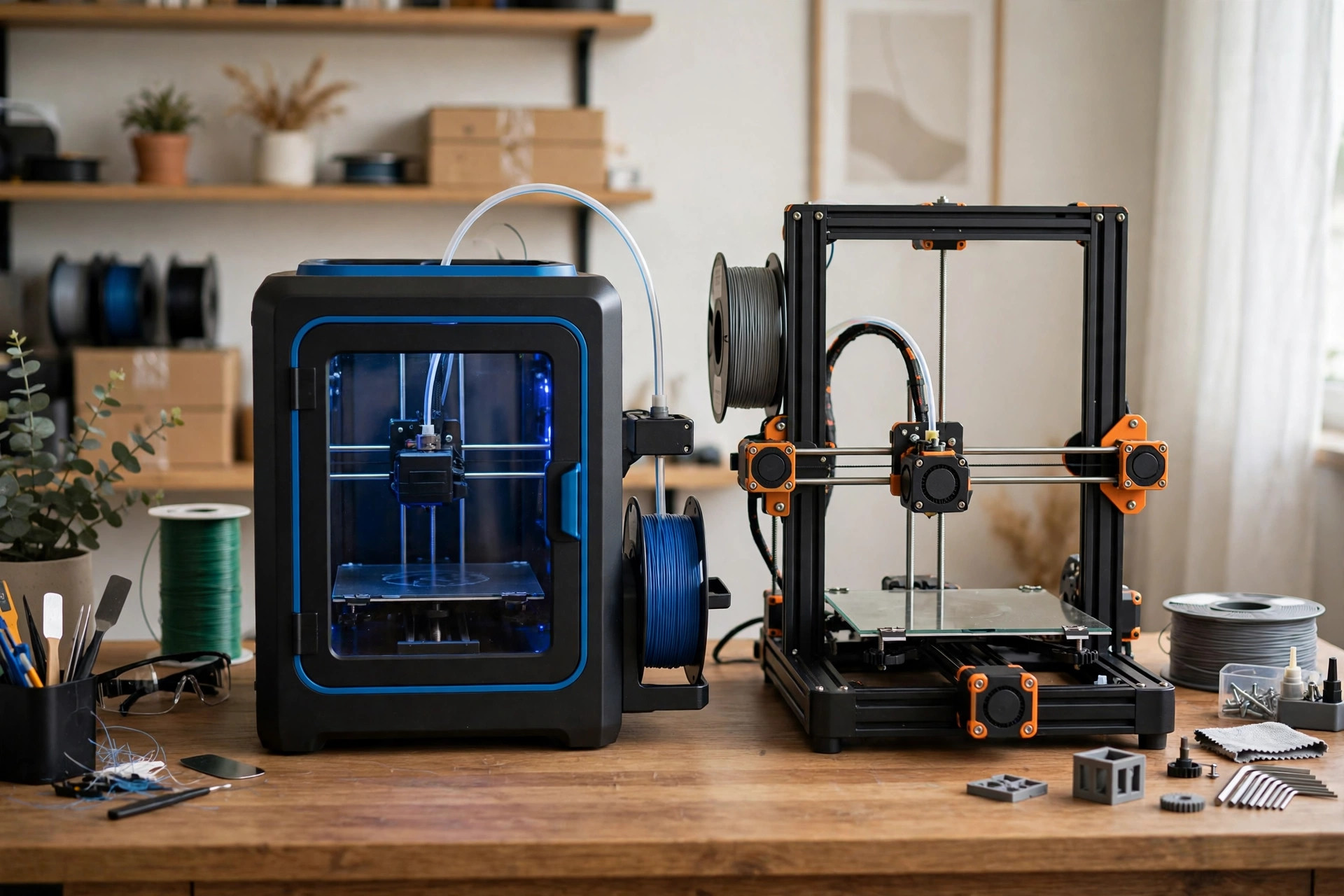
Five hundred dollars is where 3D printing stops feeling like a compromise. Below $300 you accept an open frame, a smaller feature set, and a lot of community troubleshooting. Under $500 you can have an enclosed chamber, genuine multicolor printing, a large build volume, or a machine that simply works the first time — sometimes two of those at once. The trick is knowing which one of those four things you actually need, because no sub-$500 printer gives you all four, and the wrong trade costs you the whole point of spending more.
Last updated: November 2, 2026 · Prices and availability checked November 2026.
PrintDialed is reader-supported. When you buy through links on our site, we may earn an affiliate commission.
Our picks
- Bambu Lab A1 Best overall
- Creality K1C Best enclosed
- Flashforge AD5X Best multicolor on a budget
- Elegoo Neptune 4 Max Best large build volume
- Anycubic Kobra 3 Combo Best multicolor bundle value
| Product | Best for | Key spec | Price |
|---|---|---|---|
| Bambu Lab A1 | Most buyers under $500 | 256 mm build volume; full auto calibration; AMS Lite upgrade path | Check price → |
| Creality K1C | Engineering filaments at home | Enclosed chamber; hardened nozzle; carbon-fiber capable | Check price → |
| Flashforge AD5X | Multicolor without the flagship price | Enclosed; 4-color filament system; fast CoreXY motion | Check price → |
| Elegoo Neptune 4 Max | Big prints, helmets, and organizers | 420 x 420 x 480 mm build volume; direct drive | Check price → |
| Anycubic Kobra 3 Combo | Multicolor bundles on sale | Multi-color hub included; auto leveling; fast bed slinger | Check price → |
How we test
We compare manufacturer specs, community feedback, and verified owner reviews; we don’t accept free products for placement.
What $500 actually buys in 2026
The step up from budget to mid-range is not about print quality on a perfect PLA benchy — a $200 machine can already print a good benchy. It is about everything around the print: full automatic calibration instead of assisted leveling, an enclosure that holds temperature for ABS and ASA, a multicolor system that does not require you to babysit filament swaps, or a build volume big enough for a helmet in one piece. Pick the one that matches your project list, because the machine that does everything costs twice this budget.
It also buys time. The best machines in this band need minutes of setup, not weekends of tuning: they calibrate themselves, they recover from common failures, and their slicer profiles are maintained by the manufacturer rather than assembled from forum posts. If you have already owned a budget printer, that difference alone may be worth the upgrade. If this is your first printer, it is the difference between a hobby and a chore.
The shortlist
Bambu Lab A1 Best overall
Pros
- Full automatic calibration — bed leveling, flow, and vibration compensation handled for you
- Fast, quiet for its speed, and genuinely beginner-friendly
- AMS Lite upgrade path adds 4-color printing later without replacing the printer
Cons
- Open frame — not the pick for ABS, ASA, or nylon without an enclosure
- Multicolor requires the AMS Lite add-on, which pushes the total over $500
Our verdict: The default recommendation for most buyers in this band. Buy it if you print PLA and PETG and want the least friction.
Best for: First-time buyers and upgraders who want reliability. Not ideal for: Enclosed-filament work or large-format prints.
Creality K1C Best enclosed
Pros
- Enclosed chamber with filtration — ABS, ASA, and carbon-fiber filaments become practical
- Hardened nozzle and direct drive suited to abrasive materials
- Fast CoreXY motion in a footprint an open bed slinger cannot match
Cons
- Smaller build volume than the open-frame picks here
- Single color out of the box — no multicolor path at this price
Our verdict: The pick when your project list includes functional parts in engineering materials. The enclosure is the feature, not a bonus.
Best for: Functional prints in ABS, ASA, and carbon-fiber blends. Not ideal for: Multicolor prints or oversized parts.
Flashforge AD5X Best multicolor on a budget
Pros
- Four-color printing included in the box — no add-on purchase
- Enclosed, fast CoreXY design with automatic leveling
- One of the cheapest routes to multicolor that is actually usable
Cons
- Multicolor prints waste filament on purging — budget for it
- Smaller community than the Bambu and Creality ecosystems
Our verdict: The cheapest honest way into multicolor. Buy it if color is the reason you are spending more, not an afterthought.
Best for: Colorful prints and multi-material accents on a budget. Not ideal for: Buyers who mostly print single-color functional parts.
Elegoo Neptune 4 Max Best large build volume
Pros
- 420 x 420 x 480 mm volume — helmets, cosplay armor, and big organizers in fewer pieces
- Direct drive and automatic leveling at a price large-format printers used to laugh at
- Proven Neptune platform with a large community
Cons
- Open frame — big ABS parts will warp without an enclosure
- Big prints take big time; a failed 30-hour print hurts more than a failed 3-hour one
Our verdict: Buy volume only if your project list actually needs it. A big printer printing small parts is just a big printer.
Best for: Cosplay, helmets, and large organizers. Not ideal for: Small apartments or engineering filaments.
Anycubic Kobra 3 Combo Best multicolor bundle value
Pros
- Multicolor hub bundled in — color out of the box at a bundle price
- Automatic leveling and fast printing for the class
- Frequently discounted into this band as a complete combo
Cons
- Open frame, like the A1 — engineering filaments stay limited
- Bundle pricing moves around; check the combo price, not the base printer price
Our verdict: The value multicolor bundle. Compare its combo price against the A1 plus AMS Lite before deciding — the cheaper bundle on the day you buy wins.
Best for: Multicolor on a sale budget. Not ideal for: Enclosed printing or buyers who want the largest community.
Enclosed vs open: the decision that matters most
An enclosure is not a luxury feature — it is a materials decision. PLA and PETG print happily in the open. ABS, ASA, and nylon warp, crack, and smell without stable chamber temperature, and carbon-fiber blends add abrasion that wants a hardened nozzle. If your project list includes car parts, outdoor brackets, or anything that lives in the sun, the enclosure picks (K1C, AD5X) beat faster open machines every time. If your list is figurines, organizers, and household prints, the open picks are faster, cheaper, and easier to watch.
Note the trap: a cheap aftermarket tent enclosure over an open printer is not the same as a designed chamber. It helps with drafts, but it does not add filtration, controlled cooling, or the high-temperature bed and nozzle the enclosed machines ship with. Budget for the real thing if the material demands it.
Multicolor: what it really costs
Multicolor systems swap filament for every color change, and every swap purges material. A small two-color nameplate wastes a little; a detailed multicolor figurine can waste more filament than the model contains. That is normal, not a defect — but it changes the economics. Budget for purge waste, print multicolor models with color changes concentrated in fewer layers where you can, and use the multicolor system for accents rather than full-color photographic prints unless you accept the waste.
The second cost is time. Multicolor prints take dramatically longer than single-color versions of the same model, because each layer with a color change pays for every swap. A four-color print that takes two hours in one color can take six. If you print multicolor occasionally, that is fine. If you print it daily, buy the system with the fastest, most reliable changer in your budget — and keep a single-color machine mindset for everything else.
Specifications to ignore at this price
Maximum speed figures are still the most abused numbers in 3D printing, and the abuse scales with price. A printer advertised at 600 or 700 mm/s will spend most of a real print far below that, limited by cooling and flow. What matters is how fast it prints a good-looking benchy, not the theoretical ceiling. Similarly, ignore maximum nozzle temperature on an open printer — 300°C means nothing if the part warps in a draft.
Ignore camera resolution as a selling point (a timelapse camera is a novelty, not a tool), ignore "AI detection" claims unless you can verify what they actually catch, and ignore filament sample weight. Pay attention instead to whether leveling and flow calibration are genuinely automatic, whether the slicer profile is maintained by the manufacturer, and whether replacement nozzles, build plates, and hotends are standard parts you can buy anywhere.
What to buy alongside the printer
Two spools of quality PLA from a brand with tight diameter tolerances will do more for your first month than any accessory. Add digital calipers for measuring parts and calibrating flow, a filament dryer if you live somewhere humid — wet filament causes more "printer problems" than printers do — and a spare PEI build plate if the stock surface is questionable. A smoke detector near the printer and a plan for where fumes go are free and non-negotiable, and they matter more once an enclosure is involved.
Printers to avoid under $500
Avoid last-generation flagships sold at deep discounts with no manufacturer presence — when the listing disappears, so does your parts supply. Avoid printers whose only support channel is a social media group, and avoid any machine that requires a proprietary slicer with no export path to standard formats. Be skeptical of bundle deals that pair a printer with ten spools of unbranded filament; inconsistent diameter will teach you troubleshooting, but not the kind you wanted.
Also avoid buying used at this tier unless you can watch the machine heat, home, extrude, and finish a test print. A $300 used printer with a warped bed or a failing thermistor is not a bargain — it is someone else's repair project, and new mid-range machines have gotten good enough that the savings rarely justify the risk.
The final decision
Decide the one thing first: enclosure, multicolor, volume, or ease. Then buy the pick that owns that thing and accept its trade. Most buyers should default to the A1 — it is the least-friction machine here — unless a material or a project size forces the K1C or the Neptune Max. And run the first month on one known-good spool before changing anything: most "mid-range printer problems" are filament, slicing, or bed-cleanliness problems wearing a disguise.
Where to buy: new, refurbished, and open-box
Where you buy matters as much as what you buy. Manufacturer-direct stores and authorized sellers give you a real warranty and a return window; marketplace sellers with thin feedback and month-old accounts give you neither. Refurbished machines from the manufacturer can be excellent value — typically returns that were inspected and repackaged — but refurbished machines from random resellers are just used machines with better marketing.
Open-box deals at major retailers are worth checking during sale events, with one rule: test everything within the return window. Heat the bed and nozzle, run the auto-leveling routine, and complete a test print in the first week. Most defects reveal themselves immediately — a dead heater, a warped bed, a DOA screen — and the return window is your only leverage. Keep the box until you are sure.