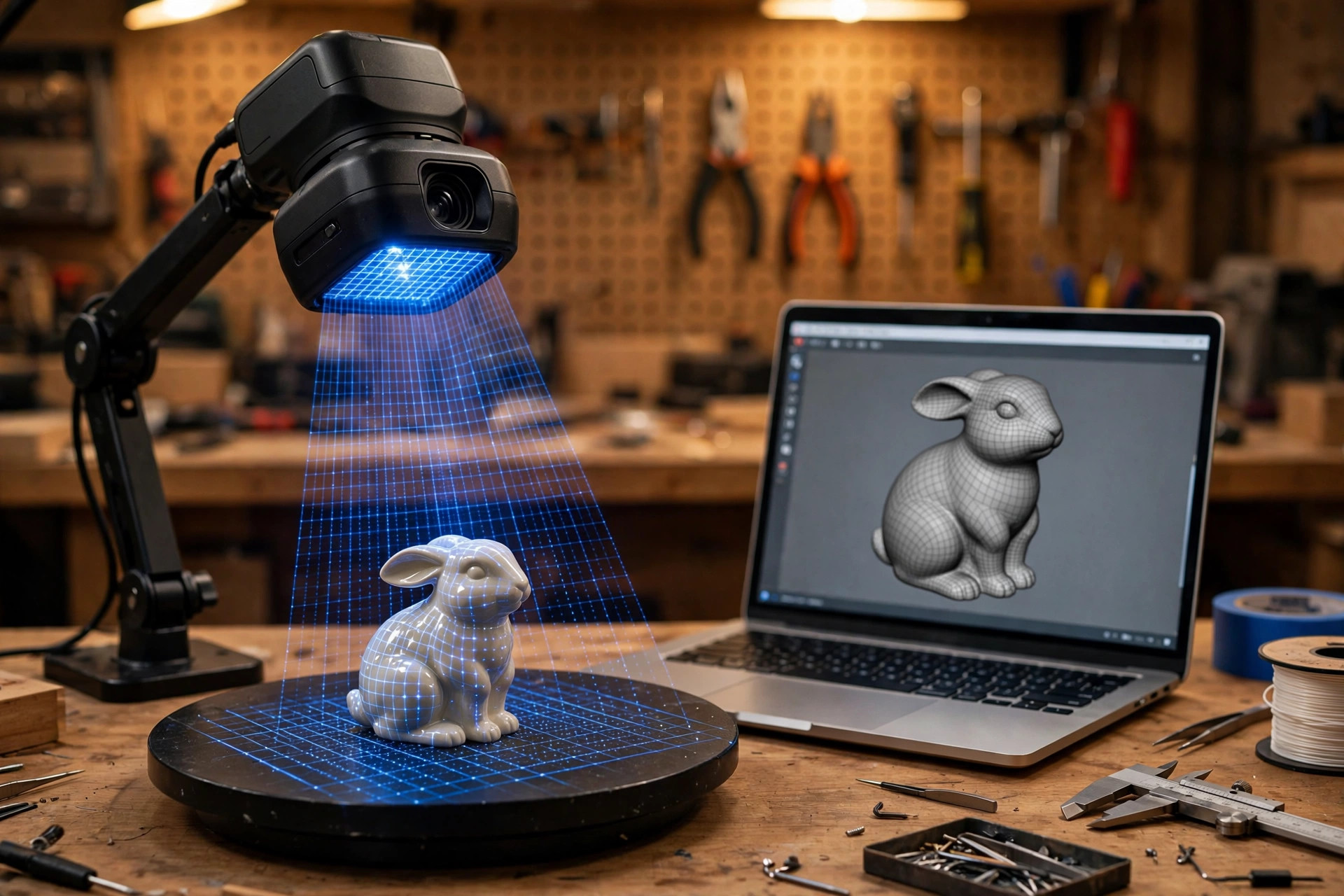
Every 3D printer owner eventually hits the same wall: the part you need exists in the real world — a broken dishwasher clip, a discontinued bracket, a figurine worth duplicating — but not as a file. A 3D scanner closes that gap. It captures the object's geometry, hands you a mesh, and your printer makes the copy. The beginner market has matured fast: today's entry scanners are handheld, affordable, and genuinely usable. This guide explains the two scanning technologies, what "accuracy" numbers actually mean for printed copies, and the five scanners worth buying in 2026.
Last updated: October 7, 2026 · Prices and availability checked October 2026.
PrintDialed is reader-supported. When you buy through links on our site, we may earn an affiliate commission.
Our picks
- Revopoint POP 3 Plus Best overall
- Creality CR-Scan Otter Most versatile
- Shining 3D Einstar Best step-up
- Revopoint Inspire Best budget
- Motorized scan turntable Best accessory
| Product | Best for | Key spec | Price |
|---|---|---|---|
| Revopoint POP 3 Plus | A first scanner for most makers | Structured light; phone + PC | Check price → |
| Creality CR-Scan Otter | Tiny clips to motorcycle fairings | Four-lens; wide scan range | Check price → |
| Shining 3D Einstar | Makers who know they will scan a lot | IR structured light; pro pedigree | Check price → |
| Revopoint Inspire | Testing the waters cheaply | Cheapest credible entry | Check price → |
| Motorized scan turntable | Small-to-medium objects | Motorized; adjustable speed | Check price → |
How we test
We compare manufacturer specs, community feedback, and verified owner reviews; we don’t accept free products for placement.
How 3D scanning works (the 60-second version)
Consumer scanners use one of two methods. Structured light scanners project a pattern of light (usually blue LED or infrared) onto the object and read how the pattern deforms — like draping a striped cloth over a shape and measuring the stripes. Laser scanners sweep a laser line across the surface and triangulate each point. Both build a point cloud, software stitches it into a mesh, and you export an STL for your slicer.
For beginners, structured light won. It scans faster, handles a wider range of object sizes, and the hardware has gotten cheap. Laser scanners still lead on fine detail for tiny objects, but they are slower and fussier — a specialist tool, not a first scanner. Every recommendation below is structured light unless noted.
What the specs actually mean for printed copies
Accuracy (0.02–0.1 mm): the scanner's measurement error. For duplicating a bracket or a clip, 0.05 mm is plenty — your printer's own tolerances are looser. Chasing 0.02 mm on a first scanner buys precision your prints cannot reproduce.
Scan volume: the size range the scanner handles well. Most beginner scanners cover objects from a few centimeters to about a meter — figurines to helmets. Scanning a whole car or a whole room is a different (much pricier) category; ignore it for now.
Tracking: how the scanner knows where it is as you move it. Marker-based tracking (stickers on the object) is most reliable for featureless surfaces; markerless tracking works on textured objects but loses its place on smooth, shiny, or symmetrical shapes. Beginners should expect to use markers — they are included in the box and they work.
Surface limits: no consumer scanner likes transparent, mirror-shiny, or black-velvet-dark surfaces — light does not cooperate. A light dusting of matte scanning spray (or dry shampoo in a pinch) fixes most of it, and it wipes off afterward.
How we compared them
We compared current beginner scanners on the specs that decide whether you actually use the thing: single-frame accuracy, ease of the scan-then-mesh workflow, software quality (this is where cheap scanners die), markerless tracking ability, minimum and maximum object size, and total cost including any required accessories. We weighted software and workflow over raw accuracy — a 0.05 mm scanner with good software beats a 0.02 mm scanner with software that crashes.
An honest note: these are researched roundups built from manufacturer specifications, published scan benchmarks, and aggregated owner reviews — not hands-on scanning sessions with every unit. Scanning is technique-sensitive enough that your results will depend on practice; the picks below are the ones whose owners report the shortest path from box to first good mesh.
The five beginner 3D scanners worth buying in 2026
Revopoint POP 3 Plus — the beginner default Best overall
The POP line is the reason "beginner 3D scanner" is a real category, and the Plus revision is the one to buy: improved accuracy over its predecessors, a workable scan volume for everything from miniatures to helmets, and software that has matured past the crashy early days. It connects to a phone or a laptop, which matters — phone scanning makes capturing objects at a friend's house or a flea market practical instead of theoretical.
The limitations are the category's: featureless or shiny objects still want markers and matte spray, and the scan volume tops out well below furniture scale. But as a first scanner for duplicating parts, digitizing collectibles, and learning the workflow, it is the safe recommendation.
- Pros: best balance of price, accuracy, and software maturity for beginners
- Pros: phone + laptop support; usable scan volume for parts and figurines
- Cons: shiny/featureless objects still need markers and matte spray
- Cons: not a large-object scanner — furniture and rooms are out of reach
 RevopointCheck price on Amazon →
Pros
- Sane price with matured, stable software
- Phone support makes opportunistic scanning practical
Cons
- Featureless or shiny objects still need markers and spray
- Scan volume tops out well below furniture scale
Our verdict: The safe recommendation — the reason “beginner 3D scanner” is a real category.
Best for: Duplicating parts and digitizing collectibles. Not ideal for: Furniture-scale objects or mirror-finish parts.
Creality CR-Scan Otter — the versatile all-rounder Most versatile
Creality's Otter targets the gap between cheap and pro: four-lens structured light, a wide scan range that handles small parts and larger objects in one device, and anti-shake tracking that forgives the unsteady hands every beginner has. If your scanning ambitions span "tiny broken clip" to "motorcycle fairing," the range flexibility is the selling point — most beginner scanners force you to choose a size lane, and the Otter refuses to.
The trade-off is software polish that trails the market leader's, and a price a step above the budget picks. Read recent software reviews before buying — this is a product whose value moves with its firmware.
- Pros: wide scan range covers small parts to large objects in one device
- Pros: anti-shake tracking helps beginners get clean scans sooner
- Cons: software polish lags the category leader; check recent reviews
- Cons: costs more than the budget beginner picks
 CrealityCheck price on Amazon →
Pros
- Wide scan range handles small parts and large objects
- Anti-shake tracking forgives unsteady hands
Cons
- Software polish trails the market leader
- Read recent software reviews before buying
Our verdict: The one scanner that refuses to make you choose a size lane.
Best for: Makers whose projects span size extremes. Not ideal for: Buyers who want the most polished software.
Shining 3D Einstar — the step-up pick Best step-up
From the company behind professional metrology scanners, the Einstar is the "buy once" beginner scanner: better accuracy and stability than the budget tier, infrared structured light that is comfortable to use (no harsh projected patterns in your eyes), and software from a vendor that does this for a living. It is the scanner for the maker who already knows they will scan a lot — replacement parts, product design, digitizing a collection — and wants to skip the upgrade cycle.
You pay for the pedigree, and the learning curve assumes you will read the manual. But owners report the shortest path from "I should scan that" to a watertight mesh, and in this category, workflow speed is the whole product.
- Pros: pro-vendor accuracy and stability; eye-comfortable infrared light
- Pros: mature software; reliable tracking on difficult surfaces
- Cons: premium price for a first scanner; assumes you will learn the workflow
- Cons: overkill if you scan twice a year — match the tool to the habit
 EINSTAR 2 Wireless 3D Scanner, 17 Parallel Lines Blue LaserCheck price on Amazon →
Pros
- Better accuracy and stability than the budget tier
- Comfortable infrared light; fastest path to a watertight mesh
Cons
- You pay for the pedigree
- Learning curve assumes you will read the manual
Our verdict: The “buy once” beginner scanner for serious scanning.
Best for: Replacement parts, product design, digitizing a collection. Not ideal for: Casual experimenters.
Revopoint Inspire — the budget entry Best budget
The cheapest credible way into 3D scanning. The Inspire trims accuracy and features to hit a price that makes "try scanning" a low-stakes experiment — and it still produces meshes good enough for duplicating simple parts and digitizing objects for display. For the curious maker who is not sure scanning is their thing, the low entry cost is the feature.
Expect to work harder for clean results: more markers, more spray, more cleanup in software. That is the honest trade — the scanner is capable, but it leans on your technique more than the pricier options do. A fine first scanner; a frustrating only scanner if you fall in love with the workflow.
- Pros: lowest credible entry price — low-stakes way to try scanning
- Pros: good enough accuracy for simple parts and display models
- Cons: demands more technique — markers, spray, and software cleanup
- Cons: you will outgrow it if scanning becomes a regular habit
 RevopointCheck price on Amazon →
Pros
- Low-stakes price to try scanning
- Meshes good enough for simple parts and display objects
Cons
- Needs more markers, spray, and software cleanup
- Frustrating as your only scanner if you love the workflow
Our verdict: The cheapest credible way to find out if scanning is your thing.
Best for: Curious makers unsure about scanning. Not ideal for: Anyone already committed to regular scanning.
Motorized scan turntable — the accessory that matters Best accessory
Not a scanner — the single accessory that improves every scanner above. A motorized turntable rotates the object at a steady speed while you hold the scanner still, which produces cleaner tracking, more even coverage, and dramatically less arm fatigue than walking around the object. For small-to-medium objects it is the difference between a frustrating first session and a successful one.
Buy one rated for your typical object weight, and look for adjustable speed — slow for detail, faster for quick captures. It is the cheapest upgrade in this guide and the one experienced scanners recommend first, which tells you everything.
- Pros: steadier scans, better tracking, less fatigue — the best cheap upgrade
- Pros: works with any handheld scanner; adjustable speed for detail vs. speed
- Cons: limited to objects that fit and balance on the platform
- Cons: another thing to store — though it doubles as a display turntable
 Revopoint Auto Turntable for 3D Scanners, with Marked TopCheck price on Amazon →
Pros
- Cleaner tracking and more even coverage
- Dramatically less arm fatigue; cheapest upgrade here
Cons
- Not a scanner — an accessory
- Buy one rated for your typical object weight
Our verdict: The cheapest upgrade in the guide — buy it with the scanner.
Best for: Small-to-medium object scanning. Not ideal for: Large or heavy objects beyond its rating.
Our verdict
The Revopoint POP 3 Plus is the right first scanner for most makers: the price is sane, the software has grown up, and phone support makes opportunistic scanning real. Buy the Inspire if you are testing the waters and want the cheapest credible entry; buy the Einstar if you already know you will scan weekly and want to skip the upgrade. The Otter wins if your objects refuse to stay in one size lane. And whatever scanner you choose, add the turntable — it is the highest return-per-dollar in the entire workflow.
From scan to print: the workflow nobody warns you about
The scanner is half the purchase; the workflow is the other half. A raw scan is a noisy point cloud, not a printable file — expect to spend your first sessions learning the pipeline: capture, align multiple scans, merge, fill holes, smooth noise, and export a watertight STL. The bundled software handles all of it, but "handles" and "handles well" differ by vendor, which is why software maturity weighed so heavily in the picks above.
Two practical tips that save beginners weeks. First, scan more than you think you need — extra angles are cheap, and a hole in the mesh you discover at midnight is expensive. Rotate the object, flip it, capture the underside; the turntable earns its keep here. Second, learn basic mesh cleanup in a free tool like Meshmixer or Blender: closing holes, reducing triangle count, and cutting a flat base turn a "cool scan" into a part your slicer can actually print. The scanner captures geometry; you finish the model.
Frequently asked questions
Can a beginner scanner copy a broken part accurately enough to work?
Often, yes — for brackets, clips, knobs, and housings where 0.1–0.2 mm tolerance is fine. For press-fit or threaded parts, expect to measure critical dimensions with digital calipers and adjust the model — scanning gets you 90% there, and calipers finish the job.
Do I need a powerful computer?
A mid-range laptop from the last few years handles beginner scanners fine; phone scanning works for capture, with meshing done later on a computer. Heavy point-cloud processing benefits from more RAM, but nothing here demands a workstation.
Can I scan people or pets?
Technically yes, practically it is hard — subjects move, infrared light bothers eyes, and the results need heavy cleanup. These scanners are for objects. Dedicated face/body scanning is a different setup.
Is photogrammetry (phone photos) a free alternative?
It is a real alternative for display models — free apps stitch phone photos into meshes. But it is slower, less accurate, and far fussier about lighting than a dedicated scanner. For functional parts you intend to print and use, the scanner earns its price in the first project.