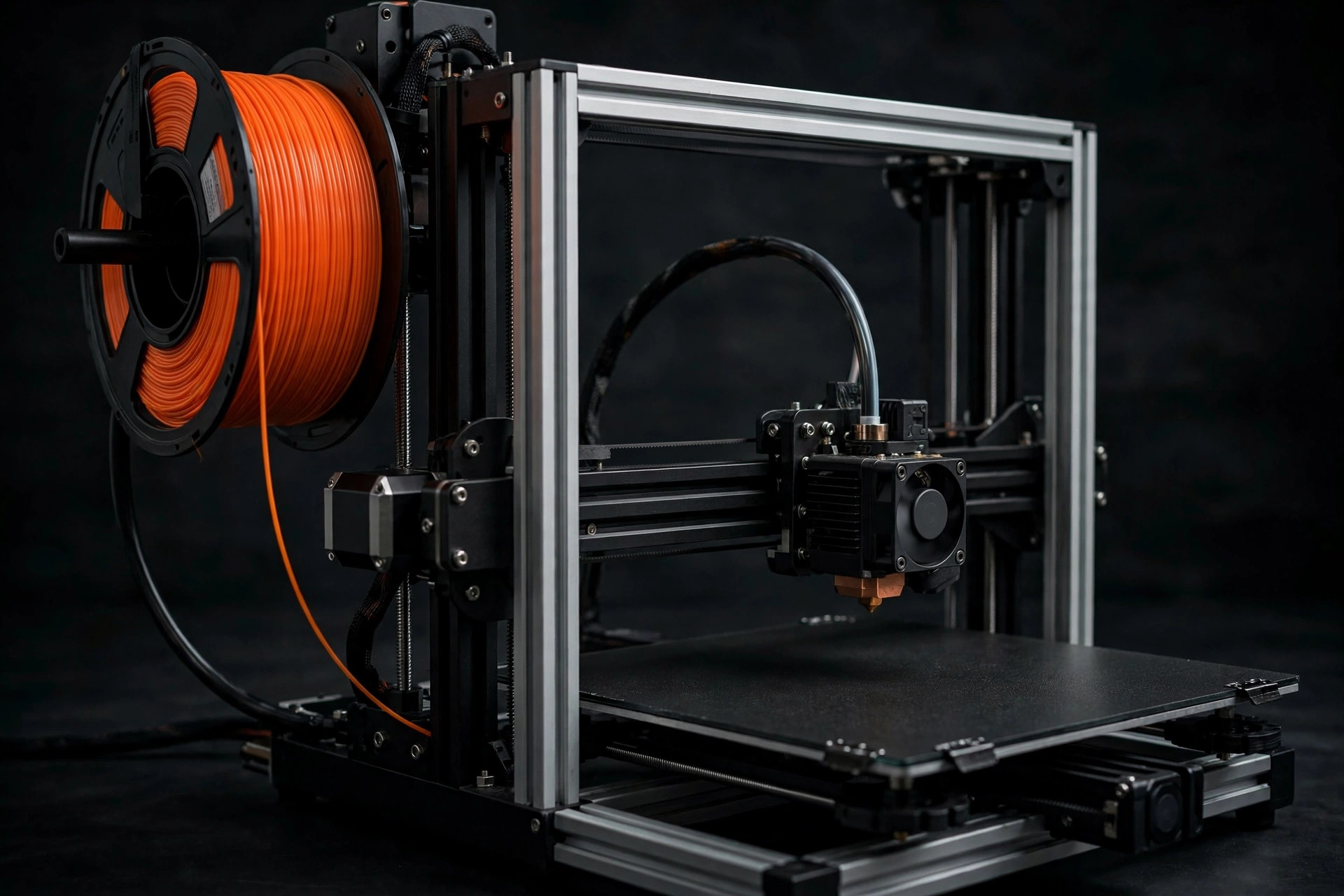
An enclosure can stabilize temperature, block drafts, reduce casual contact with moving parts, and contain some noise. It can also overheat electronics, create a false sense of air-quality protection, and make PLA cooling worse. Whether you need one depends on the material, printer design, room, and purpose—not on whether an enclosed machine looks more professional.
What an enclosure actually changes
FDM plastic contracts as it cools. An enclosure slows and evens that cooling by holding warmer air around the print. That reduces corner lift and layer splitting in shrink-prone materials such as ABS, ASA, and some nylons. It also prevents air-conditioning vents, fans, and open doors from changing the print environment halfway through a job.
An enclosure may lower perceived mechanical noise, but thin panels often reflect fan noise rather than eliminate it. It can keep dust off the machine and create a physical boundary around hot and moving components. That boundary helps only if doors latch, panels remain intact, and children or pets cannot open it.
When you probably do not need one
If you print ordinary PLA on a modern machine in a draft-free room, an enclosure may offer little benefit. PLA often needs strong part cooling, particularly on bridges, overhangs, and small layers. Excess ambient heat can soften filament before it reaches the extruder, reduce cooling performance, and contribute to heat creep. Some manufacturers recommend printing PLA with the door or lid open.
PETG can also print well in open air. A simple draft shield may be enough for a large part, and careful orientation can reduce warping without trapping heat around electronics. Do not solve a minor draft with a fully sealed box until simpler changes have been tested.
When an enclosure earns its space
- You regularly print ABS, ASA, or a material whose profile specifies a warm chamber.
- Your room has unavoidable vents or temperature swings.
- Large parts split along layers despite correct temperatures and dry filament.
- You need a guarded boundary around motion and hot surfaces.
- The printer was designed to operate enclosed, with electronics and cooling arranged for it.
For engineering materials, chamber stability can be more important than a peak temperature. A steady moderate environment may produce a more consistent part than a very hot chamber that fluctuates whenever a fan cycles or door opens.
Containment is not ventilation
A closed box can reduce how quickly emissions spread during printing, but opening it releases the accumulated air. Small recirculating carbon filters may reduce some odors and compounds, while particle filters target airborne particles; neither is automatically complete protection. Filter media type, seal quality, airflow, replacement schedule, and material emissions all matter.
Source capture that exhausts safely outdoors is a clearer approach when suitable and permitted. The system should maintain slight negative pressure without cooling the chamber so aggressively that prints fail. Never vent where air can return through another opening or affect neighbors. If outdoor exhaust is impossible, use the printer in a dedicated, unoccupied, well-ventilated area and select lower-emission materials when feasible.
Heat management and electronics
Before enclosing an open-frame printer, find out whether its power supply, controller, display, motors, and filament feed are rated for the expected temperature. A fabric tent around a machine can trap heat around components that were designed for room air. Relocating electronics is an advanced modification that introduces wiring and fire-safety considerations; it should not be improvised.
Measure chamber temperature with an independent sensor during a cautious test. Do not block intake or exhaust paths, pile flammable soundproofing against the printer, or run extensions through door gaps where cables can be pinched. Keep the manufacturer's required clearances.
Rigid, soft, and built-in designs
Built-in enclosure
This is usually the simplest choice because the printer's thermal behavior, doors, and fans were designed together. “Enclosed” still does not guarantee heated-chamber capability or comprehensive filtration, so check the material guidance.
Rigid aftermarket cabinet
Panels provide visibility, easier cleaning, and a stable barrier. Check internal dimensions across the printer's entire motion range, including bed cables and spool movement. The cabinet needs safe cable routing and a door that cannot swing into the machine.
Soft-sided tent
Fabric enclosures are inexpensive and compact, but can sag, tear, and trap more heat around electronics. Fire-resistant marketing should not be mistaken for fireproof construction. Keep the material clear of heaters, wiring, and moving axes.
Noise and fire expectations
An enclosure does not make unattended printing safe. Smoke detection, sound electrical connections, clear space, correct maintenance, and supervision remain necessary. Avoid placing a printer in an exit path or near solvents, curtains, and paper storage. Do not rely on a consumer camera as a substitute for being able to respond.
For noise, address vibration first with a rigid base and isolation from resonant furniture. Fans may dominate what remains. Adding untested foam inside an enclosure can restrict cooling and add combustible material, so use only a design evaluated for the application.
The decision
Choose an enclosure because a material or environment requires thermal stability, because a designed guard improves household safety, or because a documented ventilation system uses it as source capture. Skip it for routine PLA when the printer and room already behave well. Most importantly, keep three ideas separate: temperature control, physical guarding, and air-quality management. One box does not automatically solve all three.